

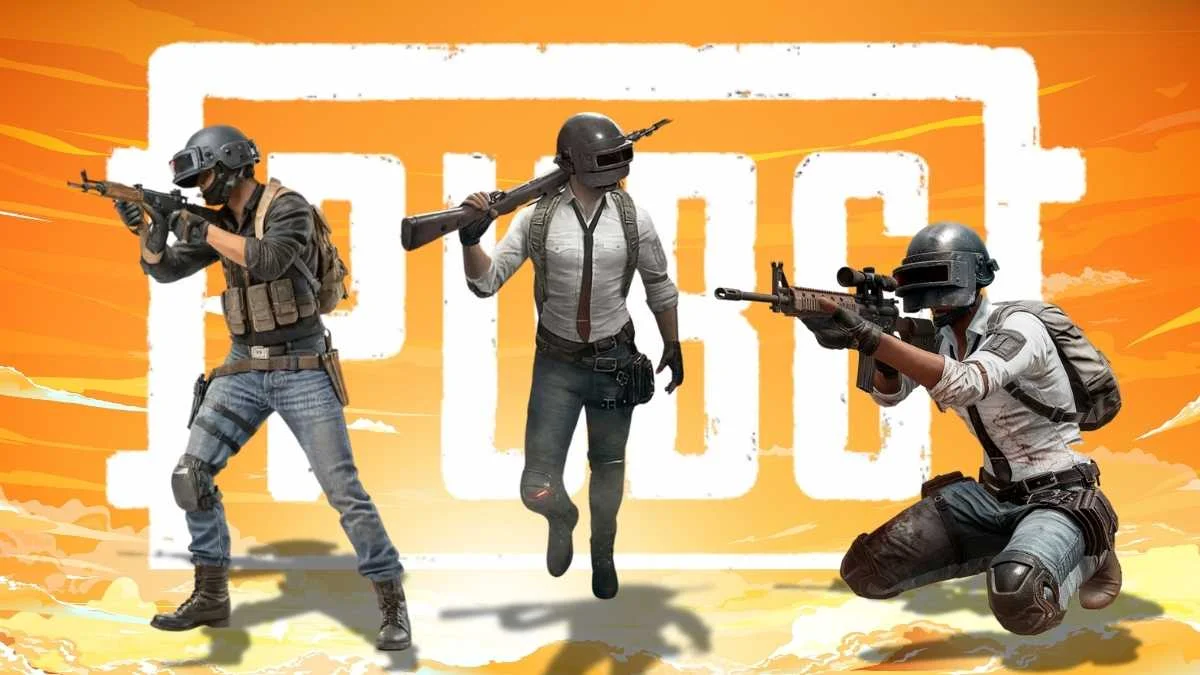
In PUBG/BGMI, your name is more than just an ID. It’s your in-game identity, the first thing other players notice when you enter a match. While many players go with simple or random names, others choose stylish nicknames that stand out in the lobby and battleground.
If you also want to give yourself a cool name in PUBG/BGMI, we have created a massive list of 100+ stylish names for boys. These names use creative fonts, symbols, and styles that make them unique and way cooler than the usual ones.
Stylish PUBG Names for Boys
Here are some of the most popular and eye-catching stylish names that you can simply copy and paste into your game:
༒♛𝗥𝗼𝗰𝗸𝗲𝗿𝗩𝗜𝗣♕༒
➳ᴹᴿメ N O O B亗
꧁Λssͬᴀssɪɴs☬꧂
艾 STØÑÊR 艾
٭R U D R A٭
𓊈𒆜MAJ𒆜𓊉
⚡TheƑlαsh⚡
꧁༒☬Sultan☬༒꧂
亗『LEGEND』亗
꧁༺ⓋⒺⓃⓄ༒𒆜༻
ツмαχαιя࿐
☬๖ۣۜƊяαgσи༻
(You can copy any of these directly without installing extra apps.)
Simple Yet Cool PUBG/BGMI Names
If you think names with symbols are too flashy, you can still pick something short, clean, and cool. Here are 100+ simple but stylish options:
- Warden
- Vulture
- The Red Wolf
- The Dark Horse
- Skull Crusher
- Fire-Bred
- Steel Forge
- Roadblock
- Tempest
- Hurricane
- Sabotage
- Sniper
- Shadow
- Venom
- Titan
- Ronin
- Blitz
- Storm Rider
- Bearded Angler
- Atomic Blastoid
- BloodEater
- Centurion
- Broomspun
- Bug Blitz
- Deadpool
- Insurgent
- Accidental Genius
- Iron Heart
- Silver Eagle
- Rebellion
These names don’t need fancy fonts, but they still look powerful in-game.
How to Make Your Own Unique PUBG/BGMI Name
If you don’t want to copy, you can create a personalized nickname using online tools like LingoJam or Fancy Text Generator. Just type your desired name and choose from hundreds of stylish font versions.
Another idea is to combine your real name, favorite character, or a special word with cool symbols. For example:
- SUMINAR – 亗『SUMII』亗
- A gamer who loves Thor- 𒆜𝐓𝐇𝐎𝐑✰
This way, your name will be truly one of a kind.
How to Change Your Name in BGMI/PUBG
To update your in-game name, you need a Rename Card. Here’s how:
- Open PUBG/BGMI and go to the Inventory section.
- Look for the Rename Card.
- Tap it, enter your new stylish name, and press OK.
If you don’t have a Rename Card, you’ll need to buy one for 180 UC. But remember, UC purchases in PUBG/BGMI are currently disabled, so you’ll need to already have UC in your account to use this option.
Also Read: Idle Office Tycoon Codes (September 2025): All Working Codes And How To Redeem
