

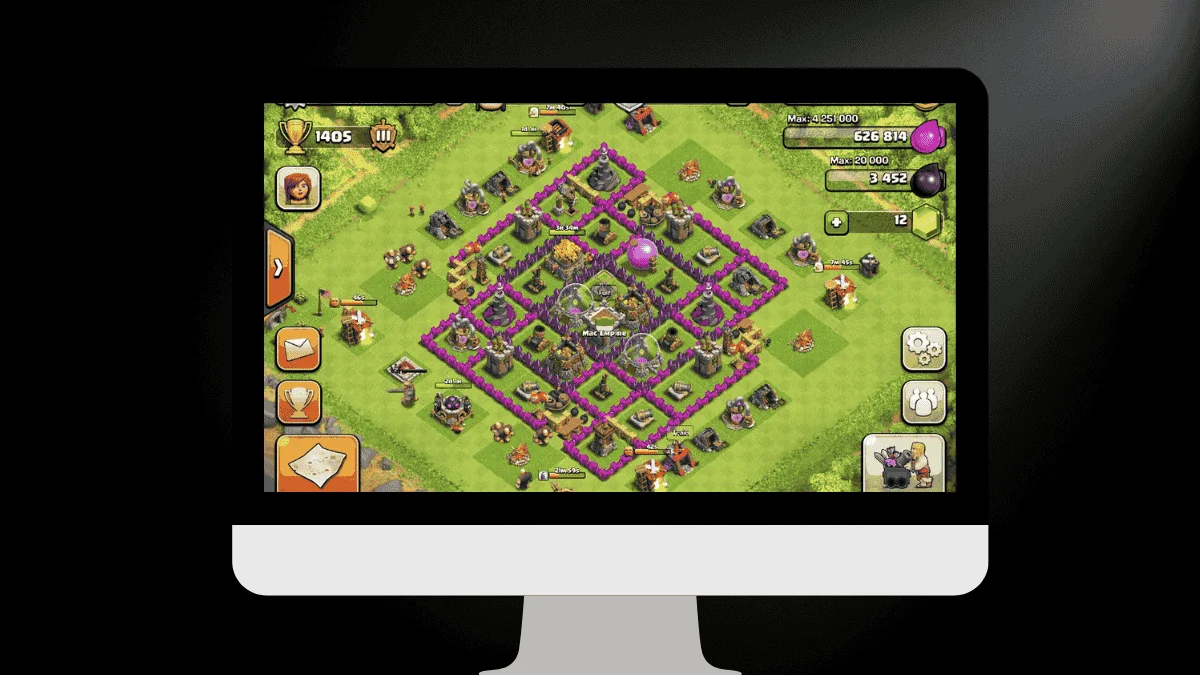
Clash of Clans has been one of the most loved mobile strategy games for many years. Since its release in 2012, it has stayed popular because of its simple gameplay, regular updates, and strong community. Many players still enjoy building villages, attacking enemies, and joining clan wars.
But a common question players ask is simple. Can Clash of Clans be played on PC? The answer is yes. There are now official and safe ways to enjoy the game on a bigger screen. This article explains everything in easy words so anyone can understand.
Is Clash of Clans Officially Available on PC
Yes, the game can now be played officially on PC. With support from Google Play Games on Windows, players can download and play Clash of Clans directly without using unofficial methods.
This official support started in late 2023. It allows players to enjoy the same gameplay experience they get on mobile devices.
Another useful feature is cross platform progress. This means your game progress stays safe when you switch between phone and PC.
However, one important point must be remembered. You cannot use the same account on both PC and mobile at the same time. Only one active session works.
Minimum System Requirements for PC
Before installing the game on PC, your system should meet some basic requirements. These ensure smooth performance.
Here are the minimum requirements:
- Operating system: Windows 10 version 2004 or newer
- Storage: Around 10 GB free space on SSD
- Graphics: Intel UHD Graphics 630 or similar
- Memory: At least 8 GB RAM
- Processor: Minimum four physical CPU cores
- Virtualization: Must be enabled in system settings
If your PC matches these requirements, the game should run comfortably.
How To Play Clash of Clans on PC Officially
Playing officially is simple. Follow these basic steps:
- First, download Google Play Games on your Windows PC.
- Install the software and sign in with your Google account.
- Search for Clash of Clans in the store section.
- Click install and wait for the download to finish.
- Once installed, open the game and log in with your account.
After login, your existing village and progress should appear automatically.
Benefits of Playing on PC
Many players prefer PC gaming because of comfort and better control. Here are some clear advantages.
Bigger Screen Experience
The larger display makes village building easier. You can see details clearly and plan attacks better.
Better Controls
Keyboard and mouse control can feel more precise compared to touch controls.
Stable Performance
PC hardware often handles games smoothly, especially during heavy battles.
Less Battery Worry
Playing on PC avoids mobile battery drain.
Things To Keep In Mind
Even though PC play is easy, some points should not be ignored.
- Game availability can vary by region. Some countries may not have access yet.
- System requirements must be checked before installation.
- Avoid unofficial downloads or modified versions because they can cause account issues.
Playing through official channels keeps your account safe.
Extra Tips for Better Gameplay
To improve your Clash of Clans experience on PC, consider these tips:
- Adjust graphics settings according to your PC performance.
- Use headphones for better sound awareness during battles.
- Keep your game updated to avoid bugs.
- Join active clans to learn better strategies.
- Watch experienced players to improve attack planning.
These small steps can make a big difference.
Free Rewards and In Game Benefits
Clash of Clans often gives free rewards through events, updates, or seasonal challenges. These rewards may include:
- Resources like gold or elixir
- Special decorations
- Training boosts
- Magic items
Checking the game regularly helps you claim these benefits.
Also Read: Video Game Grading Guide: Is Your Old Game A Gold Mine?
