


Good video quality has become very important today. Whether you stream games, attend online meetings, create videos, or teach online, a clear webcam makes a big difference. A 4K webcam helps you look sharp, professional, and more confident on screen.
But choosing the right webcam is not always easy. Many brands claim their product is the best. New buyers often get confused because features, prices, and quality vary a lot. This guide explains some strong 4K webcam options in simple words so you can choose wisely.
Prices mentioned here are general retail estimates. Actual prices may change depending on store or offers.
Why 4K Webcams Are Becoming Popular
Higher resolution means better clarity. A 4K webcam captures more detail compared to standard HD webcams.
This matters for:
- Live streaming on platforms like YouTube or Twitch
- Online classes or meetings
- Content creation and video recording
- Professional presentations
Better video quality builds trust with viewers and makes content more engaging.
Key Things To Check Before Buying
Before picking any webcam, consider these points:
- Resolution and frame rate
- Low light performance
- Microphone quality
- Auto focus capability
- Privacy features
- Software support
Understanding these basics helps avoid wrong purchases.
OBSBOT Meet 2
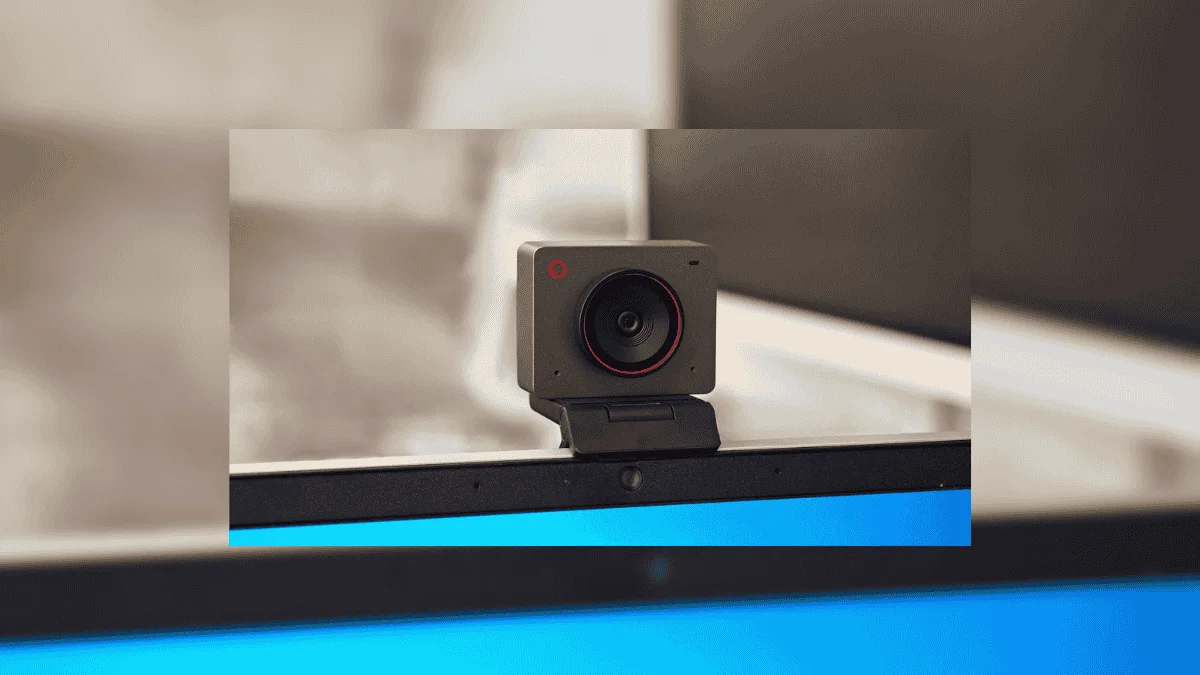 Approx price: around 129 dollars
This webcam supports 4K recording and works in both landscape and portrait modes. That makes it useful for YouTube videos, social media clips, and live streaming.
It uses a large sensor which improves performance in low light. The webcam also includes a magnetic privacy cover. This is useful when you want to block the camera quickly.
Noise reduction microphones help capture clear audio. For beginners and intermediate creators, this model offers balanced performance.
EMEET SmartCam S800
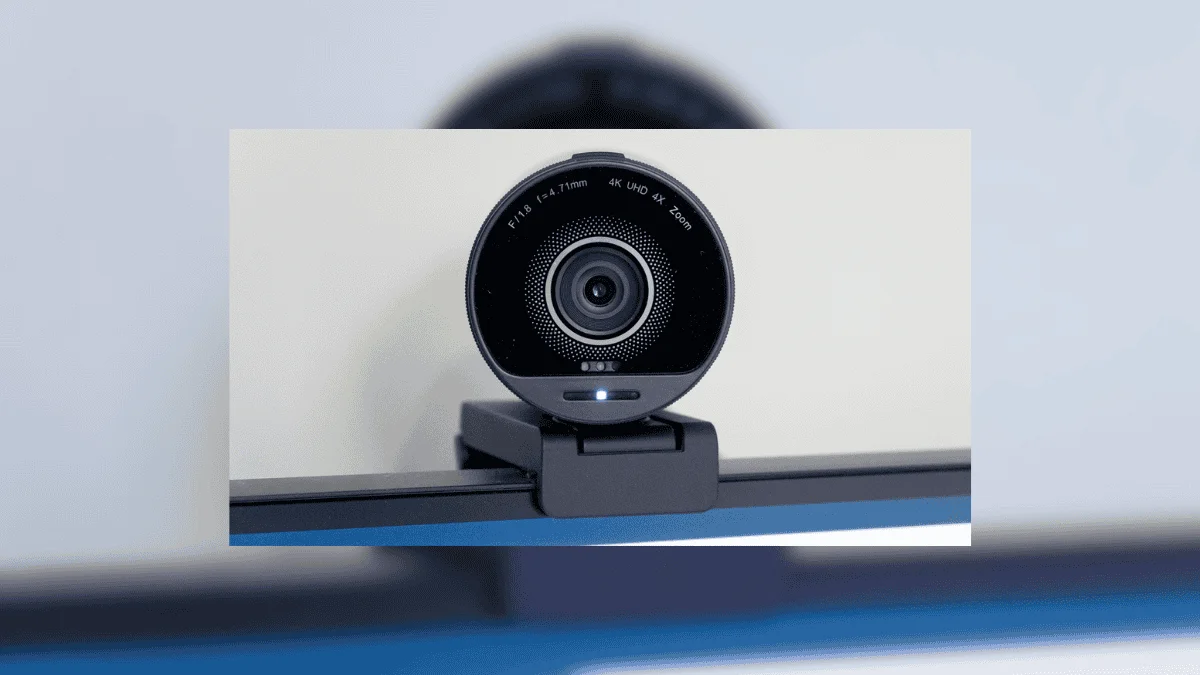 Approx price: around 150 dollars
This webcam offers 4K video at 30 frames per second. One strong feature is HDR support. HDR helps maintain good image quality even in bright lighting conditions.
It also has dual autofocus technology. This keeps the subject sharp and reduces blur during movement.
Built in microphones reduce background noise. Some users mention heating issues during long sessions, but in a well ventilated room it usually works fine.
Insta360 Link 2C
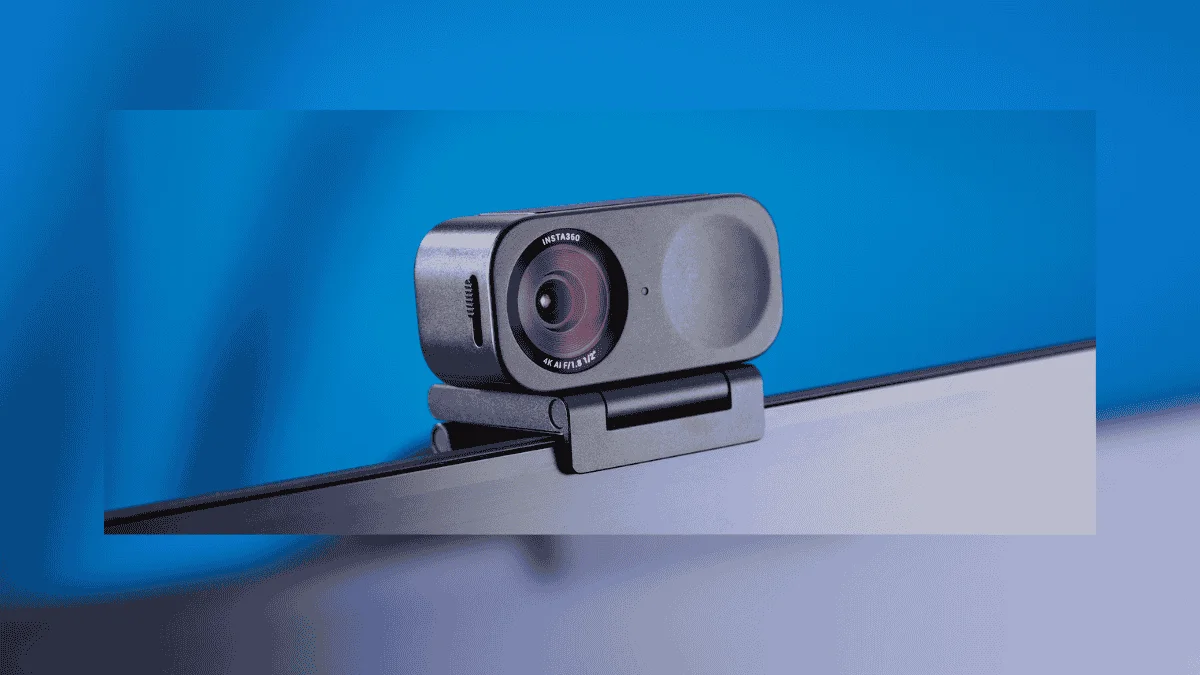 Approx price: around 150 dollars
This model is known for stable performance and clear video. It handles low light conditions well and produces balanced colors.
It includes AI based noise reduction and fast autofocus. These features help during streaming or recording.
The webcam also has a privacy shutter and a magnetic mount. While it records 4K at 30 fps only, the quality remains strong for most users.
Elgato Facecam 4K
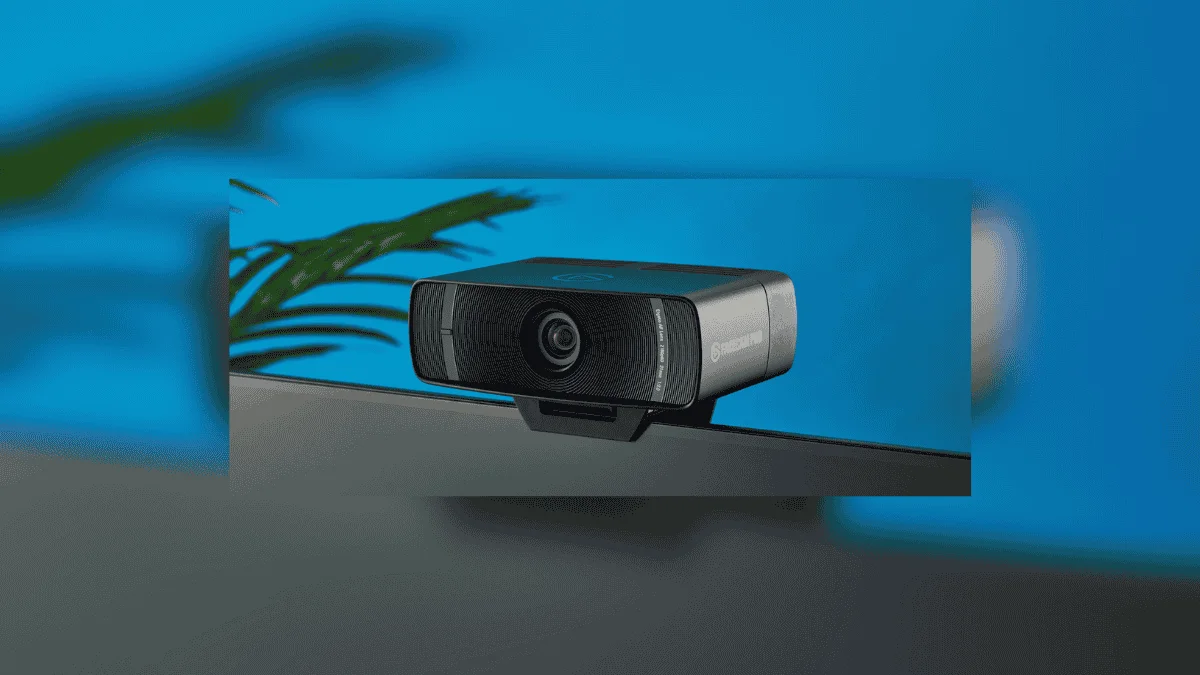 Approx price: around 200 dollars
This webcam is popular among professional streamers. It can record 4K video at 60 frames per second, which is rare in this price range.
It uses a high quality sensor and lens combination to deliver sharp video. The companion software allows advanced adjustments like exposure, contrast, and color tuning.
One thing to note is that it does not include a built in microphone. Users usually pair it with an external mic.
Logitech MX Brio
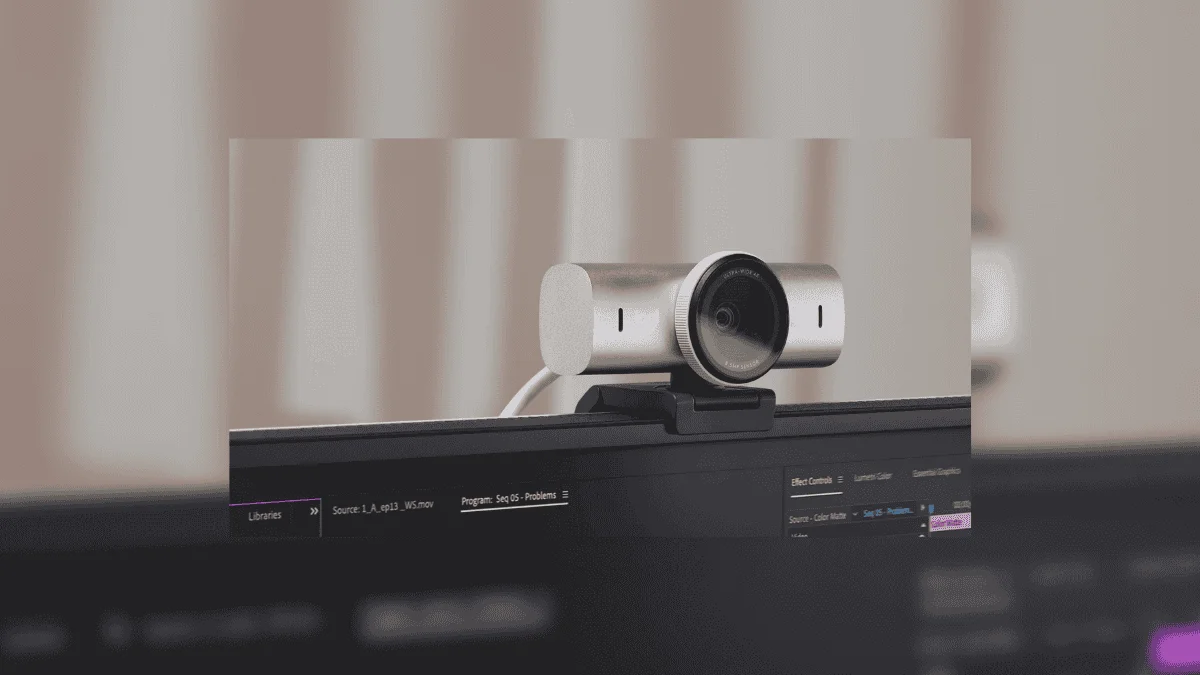 Approx price: around 200 dollars
Logitech is a trusted brand in webcams. The MX Brio offers strong 4K image quality with HDR support.
It performs well even in dim lighting. The wide angle lens captures more background, which is useful for presentations or group streaming.
Dual microphones improve voice clarity. AI based adjustments help with exposure, white balance, and noise reduction automatically.
Razer Kiyo Pro Ultra
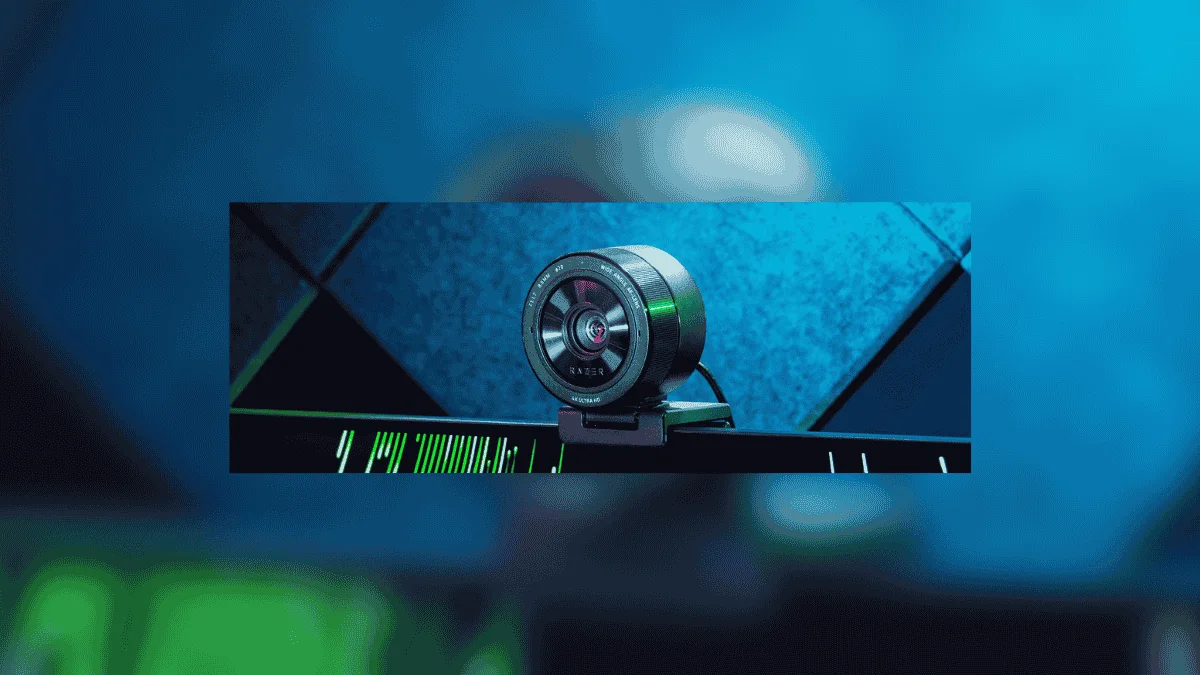 Approx price: around 200 dollars
This webcam focuses heavily on image quality. It uses an advanced sensor that improves light sensitivity. The result is clearer video even in challenging lighting.
AI imaging adjusts brightness and exposure automatically. Privacy protection features include shutters and covers to prevent accidental camera use.
This makes it a good option for streamers who care about both quality and security.
Extra Tips for Better Webcam Quality
Buying a good webcam helps, but setup also matters.
- Use proper lighting from the front
- Keep camera at eye level
- Avoid bright light behind you
- Clean the lens regularly
- Use a stable internet connection
Small adjustments can improve video quality significantly.
Do You Really Need 4K
Not everyone needs 4K resolution. If you only attend casual meetings, a good HD webcam may be enough.
But 4K makes sense if:
- You stream professionally
- You record content regularly
- You want future ready quality
- You prefer detailed visuals
It depends on your usage.
Common Mistakes Buyers Make
Many people focus only on resolution. Other factors like autofocus, lighting support, and microphone quality matter equally.
Another mistake is ignoring system compatibility. Always check whether your PC supports the webcam smoothly.
Avoid buying only based on brand name. Features should match your needs.
Also Read: How To Play Clash Of Clans On PC: Official 2026 Setup Guide
