

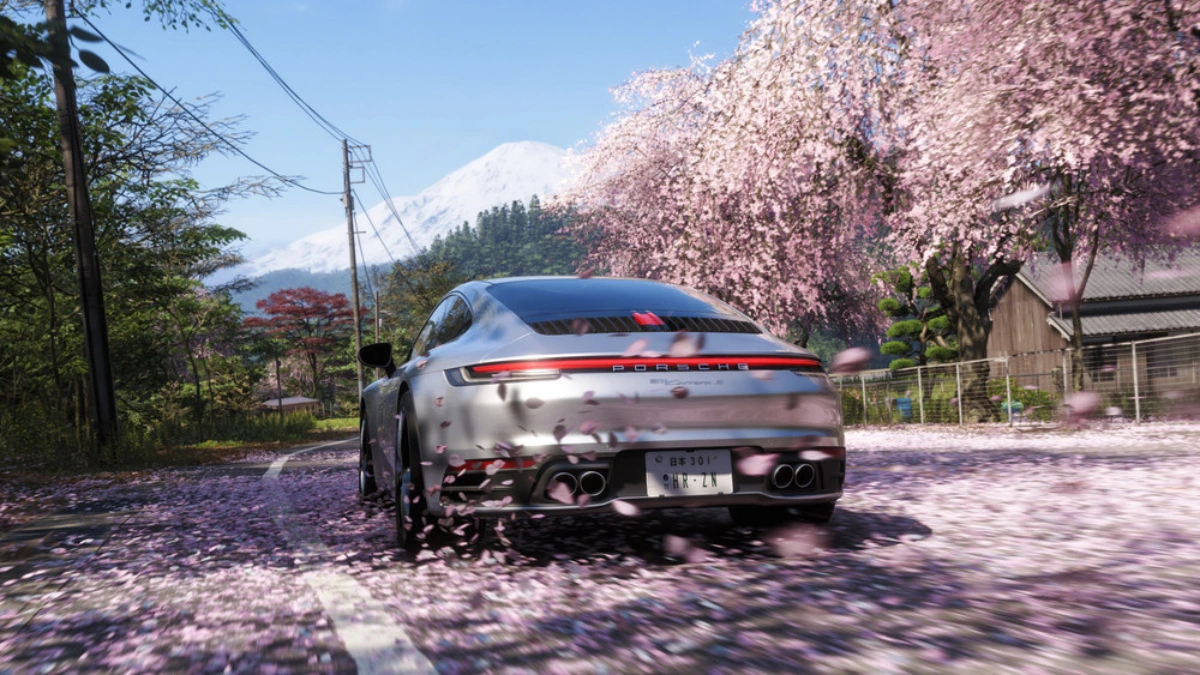
The latest Festival Playlist in Forza Horizon 6 comes with a fun new Photo Challenge called AstroToy. There is a special place on the map where players can take a simple picture to get free rewards.
If you want to do well through the challenge and earn some extra Festival Playlist points, this guide will show you how to get it all done in a few of minutes.
What Is the AstroToy Photo Challenge?
The AstroToy challenge asks players to take a photo of a Track Toy car in front of a rocket found near the Nangan Drag Strip area.
Once completed, players will receive:
- 2 Festival Playlist Points
- “Beam me up!” Quick Chat Message
The challenge is simple, but many players struggle to find the right rocket location.
Where to Find the Rocket Location
The first thing you need to do is go to the Nangan area.
Open the world map and see where Nangan is, on the southern side of the map. As you get close to the area, look for the long drag line.
There’s a huge space station area near the drag strip.
There are two rockets inside this place. But only one of them works for the AstroToy challenge.
The right rocket is the bigger one on the northern side of the space station. It is placed on support towers and has the mark “HZN-VI” on its body.
Remember to include this rocket in your photo or the challenge may not count.
Choose a Track Toy Car
After reaching the location, the next step is choosing a Track Toy vehicle.
You can check your garage first to see whether you already own one.
To do this:
- Open the Pause Menu
- Go to Car Collection
- Filter vehicles by Track Toys
If you already own one, simply switch to that car.
If not, head to the Auto Show and purchase a Track Toy vehicle. Some models may also be available through Wheelspins and Super Wheelspins.
How to Take the Correct Photo
Once you have the right car and the correct rocket location, the final step is very easy.
Drive your Track Toy near the HZN-VI rocket.
Now open Photo Mode:
- Press Up on the D-Pad (Controller)
- Press P on Keyboard
Move the camera until both the car and the rocket are clearly visible in the same frame.
Take the picture and wait for the game to register the challenge.
How to Know the Challenge Is Complete
After taking the photo, check the Festival Playlist menu.
If everything was done correctly, the AstroToy Photo Challenge will show as completed.
Your rewards will be added automatically, including the Festival Playlist points and Quick Chat item.
Quick Tips for Faster Completion
Here are some useful tips:
- Quick Travel to Nangan for a quick arrival.
- Make sure that you are using a Track Toy car.
- This photo shows the bigger HZN-VI rocket.
- Keep the whole rocket and car in the frame of the camera.
- Do the challenge early so you don’t forget Playlist Rewards.
One of the easiest tasks in this week’s Forza Horizon 6 Festival Playlist is the AstroToy Photo Challenge. It only takes a few minutes to complete and awards players useful Playlist points that can help them unlock seasonal rewards faster.
If you’re trying to complete every Festival Playlist challenge this week, AstroToy should probably be one of the first things on your list.
Read Our Forza Horizon 6 Review
We have also shared our detailed review of the game if you are still wondering if Forza Horizon 6 is worth your time. We discussed the gameplay, map design, cars, graphics, online features and the general driving experience. The game brings a brand-new open-world racing experience, with plenty of activities for casual and hardcore racing fans. Read our full Forza Horizon 6 review and discover why this latest package is one of the most exciting racing games available today.
Also Read: GOALS Football Game Review: A Rough Start For The EA FC Rival
