

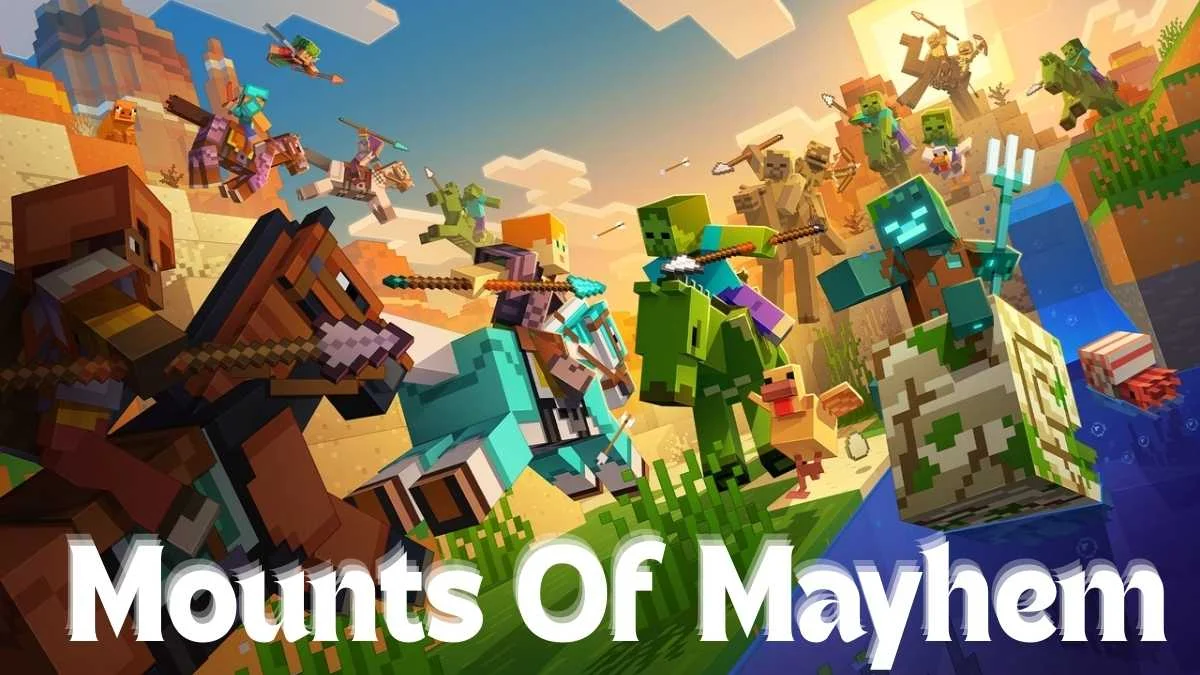
Minecraft fans are all set for the Mounts of Mayhem update, which is the final game drop of the year. This update is special because it adds new mobs, weapons, and gameplay changes that affect how combat and exploration work in the game. With the release scheduled for today, many players are eager to know the exact time they can jump in.
Mojang has not shared an official release time yet. However, by looking at past Minecraft game drops, we can make a very close guess about when the update will go live.
Minecraft Mounts of Mayhem Expected Release Time
In most cases, Minecraft updates are released around 12 PM Eastern Time. Mojang usually chooses this time because players from many regions are online and ready to download the update. Based on this pattern, the Mounts of Mayhem game drop is also expected to go live around the same time.
Here is the expected release window for different regions:
UK: 3:00 PM to 5:00 PM GMT
Europe: 4:00 PM to 6:00 PM BST
USA (East): 11:00 AM to 1:00 PM EDT
USA (West): 8:00 AM to 10:00 AM PDT
USA (Central): 10:00 AM to 12:00 PM CST
India: 8:30 PM to 10:30 PM IST
Japan: 12:00 AM to 2:00 AM JST (next day)
Australia: 1:00 AM to 3:00 AM AEST (next day)
Once the update is live, players will get access to new content like the spear weapon, nautilus mob, zombie horse, camel husk, and more. These additions change combat in a noticeable way and make exploration more exciting.
How to Download the Mounts of Mayhem Update
Downloading the update is simple once it becomes available.
For PC players:
- Open the Minecraft Launcher.
- Go to the Downloads or Installations section.
- Select the latest version once it appears.
- Make sure version 1.21.11 is selected before launching.
- Start the game and enjoy the update.
For mobile and console players:
- Open the Play Store or App Store on your device.
- Search for Minecraft and check for an update.
- On consoles, open the game page in the store and select update.
- Wait for the download to complete, then launch the game.
Also Read: Alpha Gaming: The Mongolian Titans of PUBG Mobile Esports
