

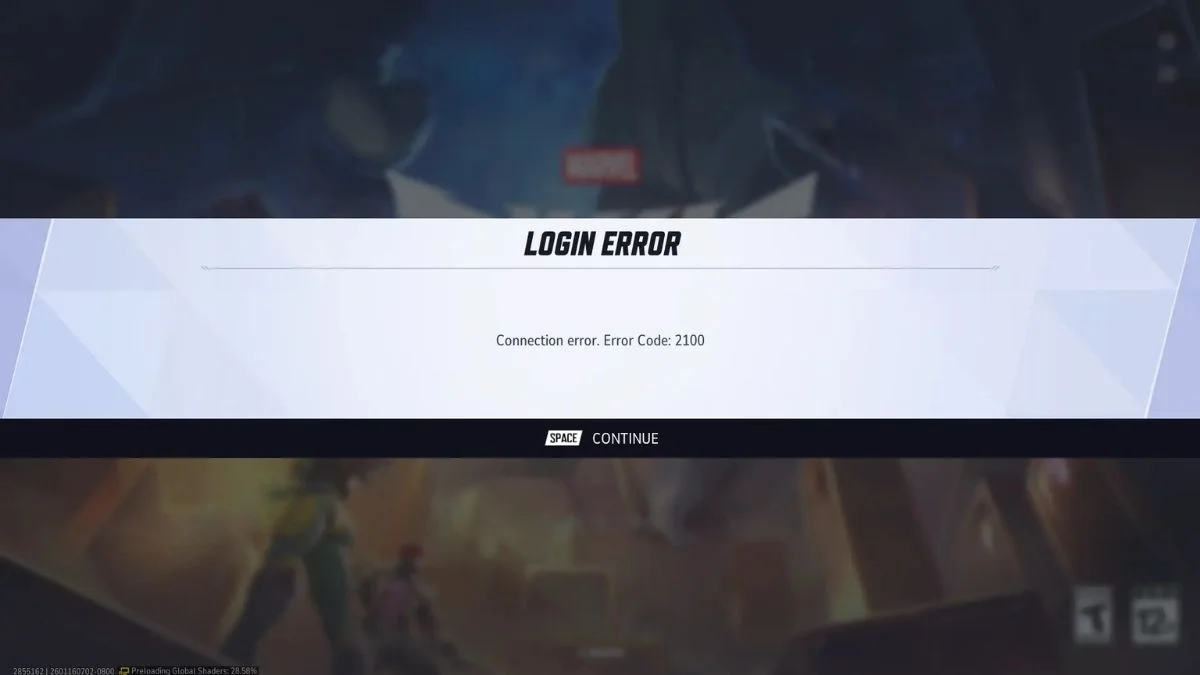
Marvel Rivals Error Code 2100 is a common issue many players are facing recently. This error usually appears when the game fails to connect properly to its servers. Because of this, players cannot log in or join matches like Quick Match or Ranked mode. It mostly happens after updates, during busy server hours, or when network connection is unstable.
If you are seeing this error, do not worry. There are some easy checks and fixes that usually solve the problem.
Why Marvel Rivals Error 2100 Happens
This error mostly comes from connection problems. The game needs a stable link with regional servers to load matches and player data. If the connection drops even for a short time, the login process may fail.
Common reasons include:
- Server overload during peak hours
- Network routing issues or unstable internet
- Recent game updates or patches
- Conflicting WiFi and Ethernet connections
- Temporary login queue delays
Sometimes the issue is not on your side. Game servers may also face maintenance or sudden traffic spikes.
Check Game Server Status First
Before changing any settings, always check if servers are working normally. Many login errors happen when servers are busy or under maintenance.
You can check:
- Official social media updates
- Community channels or forums
- Game launcher notifications
If servers are down, the best solution is simply waiting until things return to normal.
Restart Your Internet Connection
A simple network restart fixes many login issues. This refreshes your connection path and clears temporary glitches.
Follow these steps:
- Turn off your router and modem
- Wait about one minute
- Turn them back on
- Restart your gaming device
This often improves stability and removes routing interruptions.
Avoid Multiple Network Connections
Some players use Ethernet while WiFi remains active. This can confuse the system and cause connection conflicts.
To avoid this:
- Disable unused network adapters
- Stick to one stable connection
- Prefer wired Ethernet for better stability
This small step can reduce login errors.
Update Game And System Software
Outdated game files or system software may cause handshake problems with servers. Always keep everything updated.
Make sure:
- Game patches are installed fully
- System drivers are updated
- No background downloads interrupt gameplay
Updates often include bug fixes that solve connection errors.
Extra Tips That May Help
- Close background apps using internet
- Use a stable internet connection
- Avoid peak hours if possible
- Restart the game client completely
These simple habits reduce the chance of facing this error again.
Also Read: How To Beat Mezuki In Nioh 3: Simple Tips For The First Boss
