

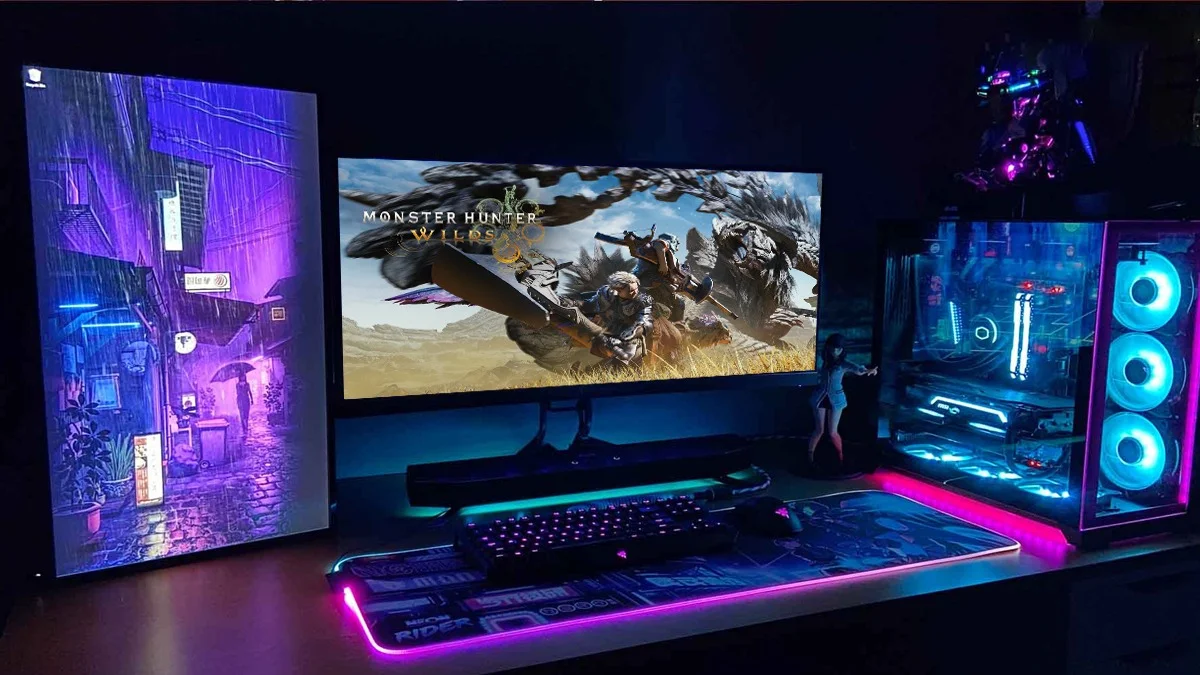
Wondering if your PC can run Monster Hunter Wilds smoothly? You’re not alone. Unlike consoles like the PlayStation 5 or Xbox Series X|S, where performance is predictable, PCs are a mixed bag. Every setup is different. Some rigs handle the game like a dream. Others? Not so much.
That’s why Capcom provides a Monster Hunter Wilds benchmark tool. It checks your system’s performance before you even buy the game. No surprises. Just clarity.
Here’s how to get it and use it.
How to Download and Run the Monster Hunter Wilds Benchmark
Follow these quick steps:
- Open Steam – Launch Steam and search for Monster Hunter Wilds Benchmark.
- Download – Click “Download” and wait for it to install.
- Install – Follow the on-screen instructions and tweak your preferred settings.
- Accept Terms – Agree to the End User License Agreement (you know, the thing no one reads).
- Run the Benchmark – Head to your Steam Library, find the tool, and hit Play.
- Choose Your Language – Pick your preferred language and start the test.
What Your Benchmark Score Means
Once the test is done, you’ll get a score. Here’s what it tells you:
- 5199 or lower – Bad news. The game will struggle.
- 5200 – 6999 – Playable, but only on low settings.
- 7000 – 10249 – Decent performance. Some tweaks needed.
- 10250 – 12999 – Smooth gameplay with good settings.
- 13000 – 19999 – Great performance. No major adjustments needed.
- 20000 and above – Perfect! Runs flawlessly—even better than consoles.
Conclusion
Before running the benchmark, double-check your PC’s system requirements. Monster Hunter Wilds isn’t a lightweight game. It’s demanding. If your rig isn’t up to par, expect lag, stutters, or—worst case scenario—the game refusing to launch.
Now go, test your PC, and prepare to hunt!
Also Read: Fortnite Global Championship 2025: Everything You Need To Know
